
Isolated by design
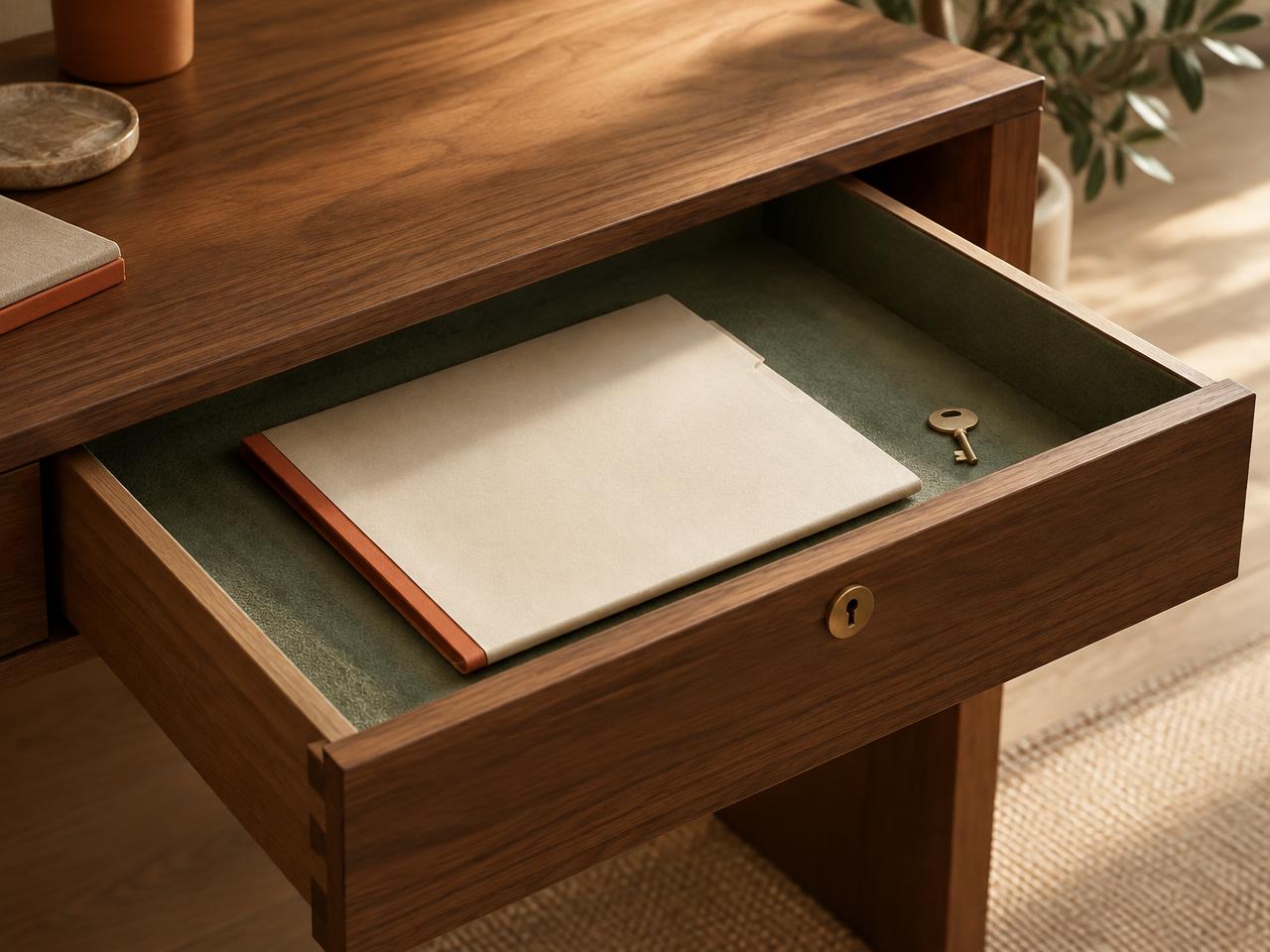
Every task, note, file, and pin is tagged with your account. Row-level security in the database enforces that only you (or teammates you invite) can read or change your rows — checked on every request.
A different kind of work app
Lists, boards, and calendars all pretend the workday is a spreadsheet. Loveley Desk gives your team a warm, spatial home base — a desk, a file cabinet, a corkboard, a phone. Everything you do all day, in a room that feels like yours.
Built for people who work alone or in a small team and want one place to land every morning. No signup for the demo.
See it in action
Each feature looks like the real thing it replaces. Here's what you'll actually see.
A one-minute tour of Loveley Desk — narrated, with captions.
Tasks — the notepad
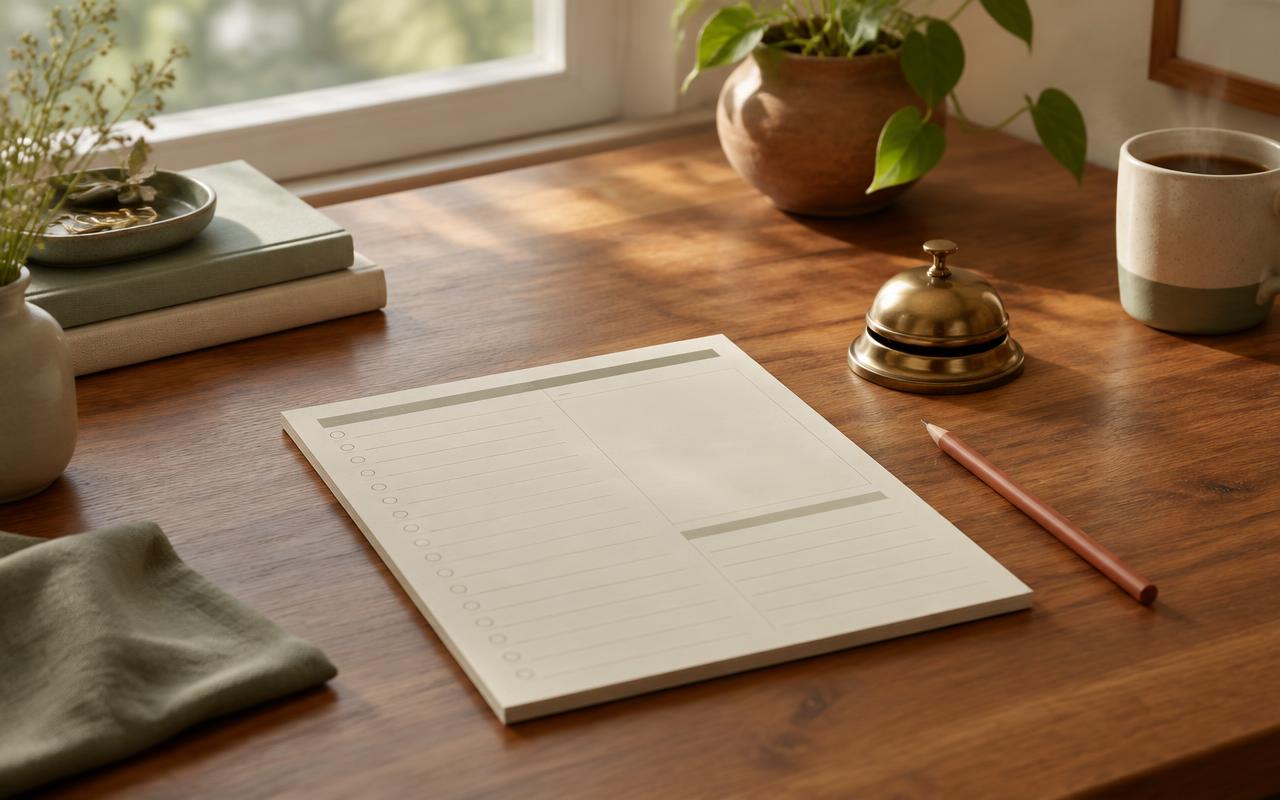
3 openA yellow legal pad with a red margin. Click the dot to move a task along — todo, doing, done.
Reminders — sticky notes
Small, colorful, crooked. They look like ones you'd write yourself — because they are.
Calendar — this month
A month at a glance, with today always marked. Click a day to peek at what's on.
Corkboard — the team wall
One shared board. Pin an idea, a link, a thank-you. Anyone on the team can add to it.
What's on the desk
A file cabinet on your desk, not a bucket in the cloud.
A notepad with a red margin rule. Click the dot to move it along.
Sticky notes you'd actually write yourself.
A little month view where today is always highlighted.
A paper page for today, with every past entry a click away.
A separate room per project: sheets, tasks, reminders, ledger.
Pin ideas, then draw labelled links between the ones that connect.
A knock at the door when something is due, with a short summary.
A rolodex of the accounts your team already lives in.
Pin an idea. Anyone on the team can add to the board.
A soft presence strip. Not a green blob war.
Shelf objects for your line of work: a designer swatch card, a sales card holder, a teacher's register.
Who it's for
Consultants, designers and founders of one. The Solo desk is free and covers tasks, reminders, files, journal and projects.
Share a corkboard, see who's in, and send trackable requests instead of chasing chat threads.
If a task app, a notes app and a drive folder are already too many tabs, this replaces all three with one room.
Solo Desk, Plus and Business are all available now. Start free with Solo Desk, or choose a paid plan for more storage, projects and optional team seats. Pricing
A day at the desk
Knocks AI tells you what's due today and what your department was asked for. The Day Ahead email says the same thing in your inbox.
Type or speak what's on your mind into Mind Capture; it becomes a task, a reminder or a pin on the board — you confirm before anything is saved.
Write a line in the Journal, wrap up the day, and leave the desk knowing tomorrow's list is already set.
Your data, safe on your desk
Loveley Desk is built so your notes, files, and reminders stay in your drawer — not on someone else's desk. Here's how.
Every task, note, file, and pin is tagged with your account. Row-level security in the database enforces that only you (or teammates you invite) can read or change your rows — checked on every request.
All traffic runs over HTTPS. Your data is stored in an encrypted managed database, and passwords are hashed by our authentication provider — we never see them.
Files live in a private storage bucket, reachable only through short-lived signed links tied to your account. Delete your account and your desk goes with it.
Card details never touch our servers. Paddle is our Merchant of Record and every subscription update is signature-verified before it's written.
Everything people usually ask before moving their work onto the desk.
A calm virtual office desk for small teams — tasks, reminders, documents, a corkboard, and a daily journal in one warm place instead of a cold dashboard.
Yes. Every account's data is isolated with row-level security, files are shared through signed links, and only you can see your desk. You can delete your account and everything on it at any time from Settings → Profile.
Yes — the whole desk is designed to work in your phone's browser, with nothing to install. Open the site, sign in, and your desk is there.
Knocks AI is your desk concierge — the little door in the top bar. It knocks when you have same-day reminders or requests for your department, shows your desk at a glance, answers questions about your work, and turns a spoken thought into a task, reminder or pin.
Solo Desk, Plus and Business are all available now. Solo Desk is free; Plus and Business are paid plans with more storage, projects and optional team seats.
Any time, yourself, from Settings → Billing. Your plan stays active until the end of the paid period. No calls, no emails, no retention tricks.
Give your team a home base that feels like a place, not a page. Get started in under a minute.
Create a free desk